Invoicing app for mobile mechanics
Quote, invoice and get paid — from the driveway.
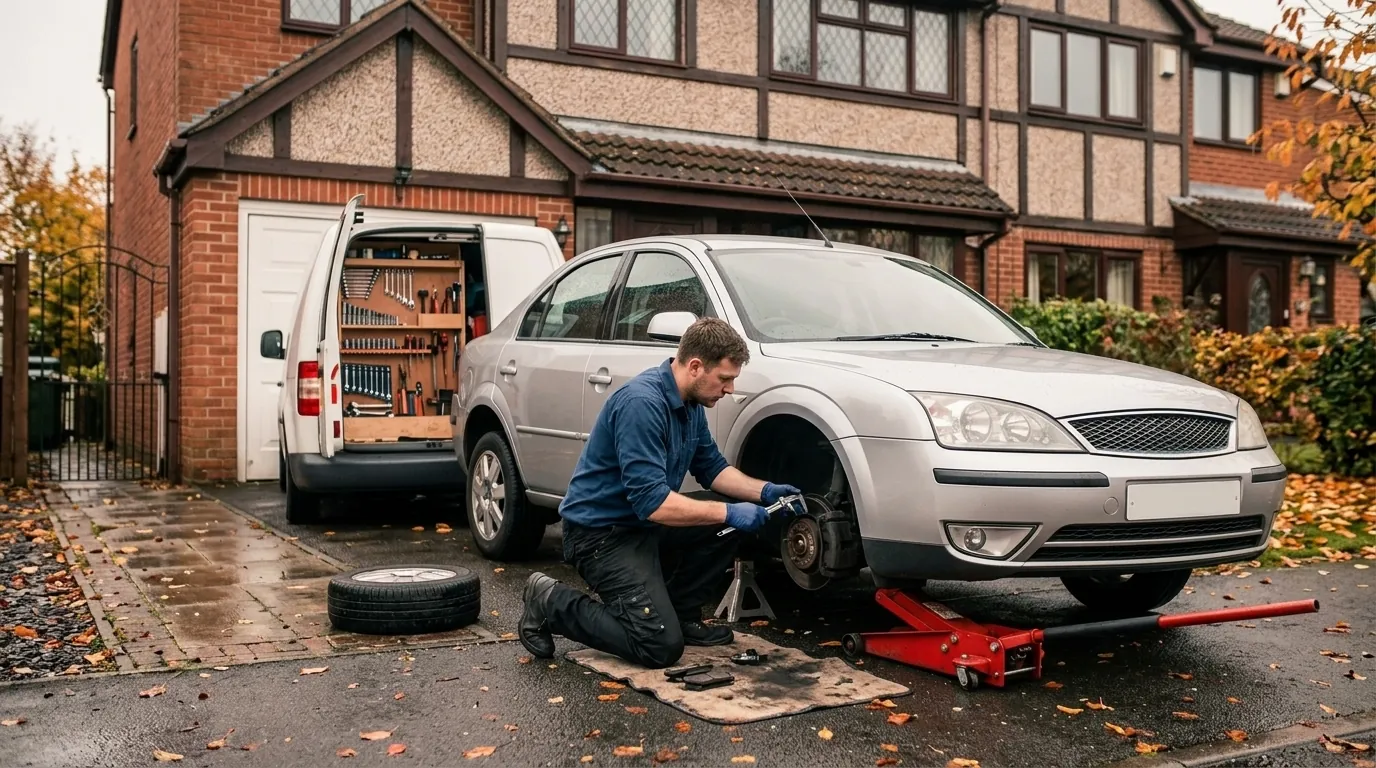
The mobile mechanic app that does the paperwork while you do the job: quotes the customer approves on their own phone, your call-out charge on every invoice, and a PDF in their inbox before you've packed the jack away.
The whole job, on one phone
No laptop. No spreadsheet. No chasing.
Quote on the spot
Your hourly rate, parts with your markup, call-out as its own line. Send it before you start.
Yes at the kerb
The customer approves on their phone, or you record their yes in person with your name on it.
Invoice in a tap
Approved, completed work becomes a numbered invoice and a PDF in their inbox.
Payments recorded
Cash, card reader or bank transfer — record it and the balance and paid status update.
 Only approved, completed work is invoiced
Invoices you can stand behind
The invoice matches what they agreed to.
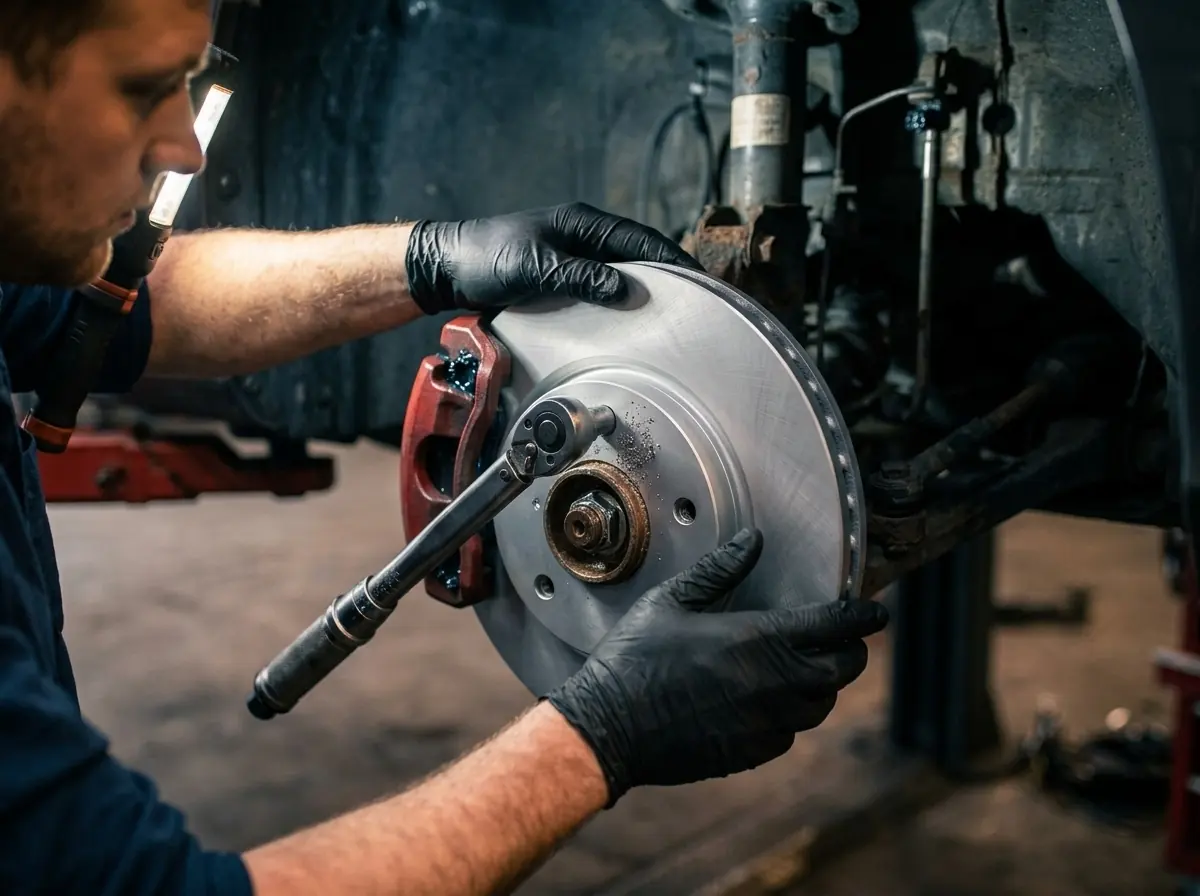
Approved work becomes the job card; anything extra you find is proposed to the customer first. When you raise the invoice, only authorised, completed lines go on it — so there's nothing to argue about on the driveway.
- Numbered once and frozen — later changes to your rates don't touch it
- Site address and contact details on the job card
- CSV export for Xero, QuickBooks or Sage at the end of the month
Mobile mechanic questions
Can I invoice from my phone at the customer's house?
Yes. WorkshopLegend installs on iPhone and Android from the browser. Quote, record the approval, mark the work done and raise the invoice without a laptop — the customer gets the invoice by email with a PDF.
How does the call-out charge work?
Set your call-out or travel charge once in Settings. Mark a job as mobile and the charge appears as its own clear line on the quote and the invoice.
Can I take card payments through the app?
Not in this version. Take the money however you do now — cash, your own card reader or bank transfer — and record it against the invoice so the balance and paid status are right.
I'm not VAT registered. Does that matter?
No. Untick VAT registered in Settings and your quotes and invoices go out without VAT and say so. If you are registered, VAT is worked out per line.
What happens if I lose signal?
The estimate you are typing is kept on your phone, so a dead spot in a car park doesn't lose your work. Sending and approvals need a signal, and the app tells you plainly if something didn't go.
Will it work with my accountant's software?
Invoices and payments export as a CSV that imports into Xero, QuickBooks or Sage.
How much is it?
£19.99 a month including 2 logins, plus £9.99 a month for each extra login — so a one-person mobile business pays £19.99 and can add a helper at no extra cost. The first 30 days are free, no card needed to start.
Ready when you are
Your van. Your phone. Done.
Sign up with your business name, hourly rate and call-out charge. Add it to your home screen and send your first quote today.